

Portal
You can query and filter audit logs in the Datum Cloud portal to track changes across your organization and projects. Access activity logs from the organization’s settings page.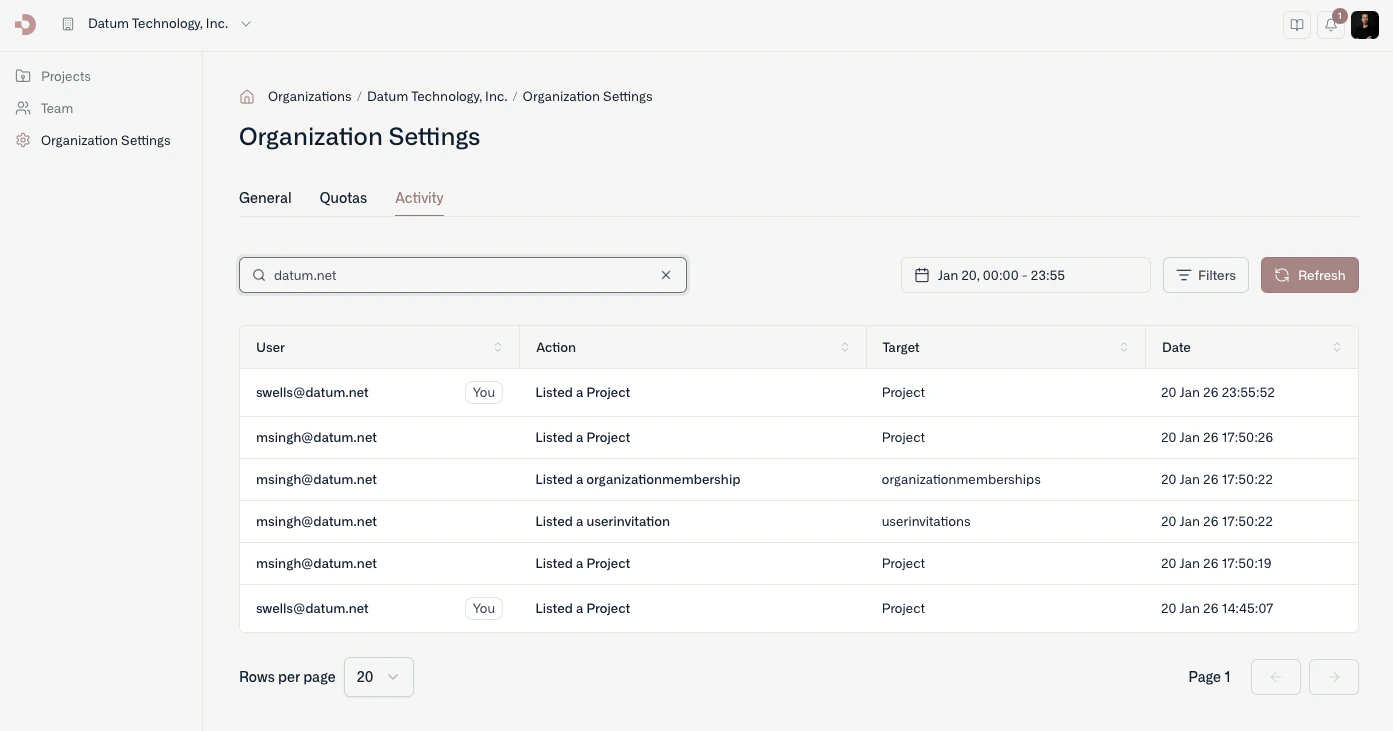
Command line
Our command line tool (datumctl) allows you to quickly browse audit logs from the platform and pipe results into jq or other tools for detailed processing.
By default, the query command retrieves the last 24 hours of activity. You can use the --filter option to specify a CEL expression to filter the audit logs returned.